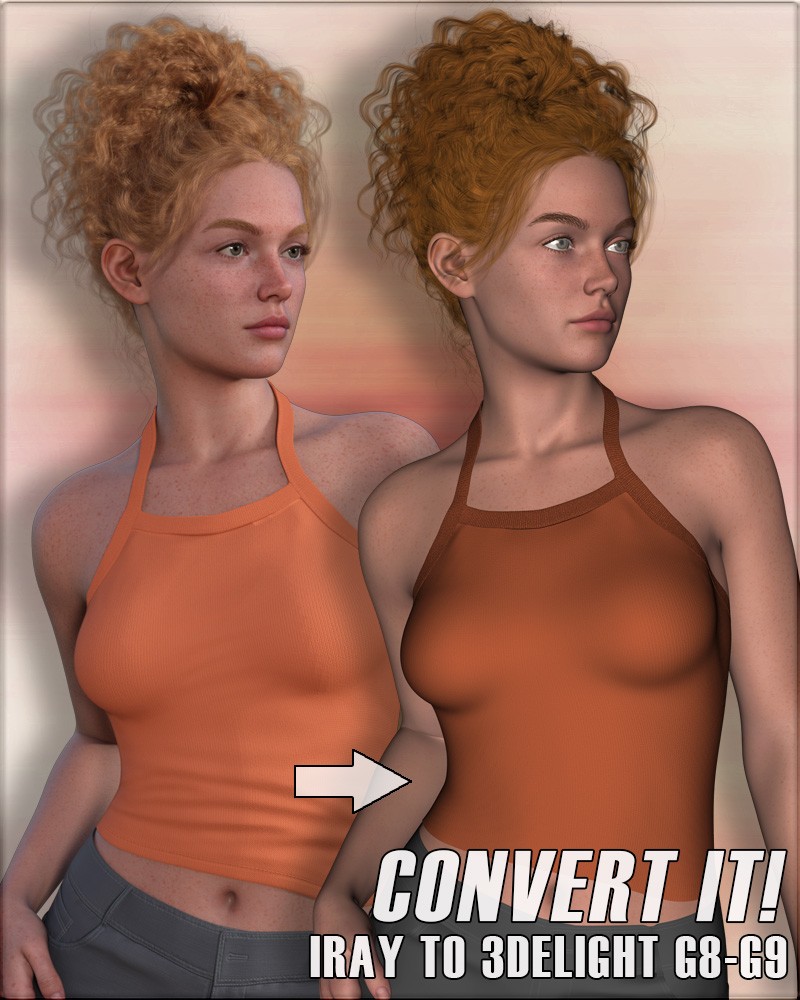
Convert It! Iray to 3DL Genesis 8, Genesis 8.1, Genesis 9
These materials utilize the 3Delight Human Surface base for the most accurate and realistic texture transfers. Please note these are very robust material settings, and althought they will work on a majority of characters, some additional tweaking may be required on more advanced character textures. Unfortunately, certain texture maps, such as normal and opacity maps, do not transfer from Iray to 3Delight. If you wish to have normal and/or opacity maps, you will need to add them manually. For example, when applying these presets to any genitalia materials, you will need to apply the skin material preset, and then manually add the opacity map. Eyelashes and eyebrow cards also don't convert because the opacity images won't transfer between material settings; however, Iray lashes and brows (both card & fibermesh) generally work fine as-is in 3DL. These material presets work on both male and female characters.
I have included full material presets where possible. Unfortunately, these material presets do not work as hierarchical material presets. What that means is for characters like Genesis 8.1 (tear) and Genesis 9 (tear, mouth, eyes), you will need to select each individual body part before applying its material perset. For example, if you wish to convert the mouth settings on Genesis 9, make sure the Genesis 9 Mouth is selected in your Scene Tab.
Due to the way the channels are set up in Iray, PBR make-up does not work in 3Delight. L.I.E. make-up, on the other hand, does work. Depending on the vendor and the way their PBR make-up is set up, you may be able to manually add makeup after applying the basic 3Delight skin material, but this product does not support PBR makeups.
There are several shader utilities included to help adjust skin settings to your liking. Because these are shaders (and not material presets), you will need to manually select each surface in the Surfaces Tab that you wish to adjust.
https://www.renderosity.com/marketplace/products/161783/convert-it-iray-to-3dl-g8-g-81-g9
File Hosting: Other File Hosting

