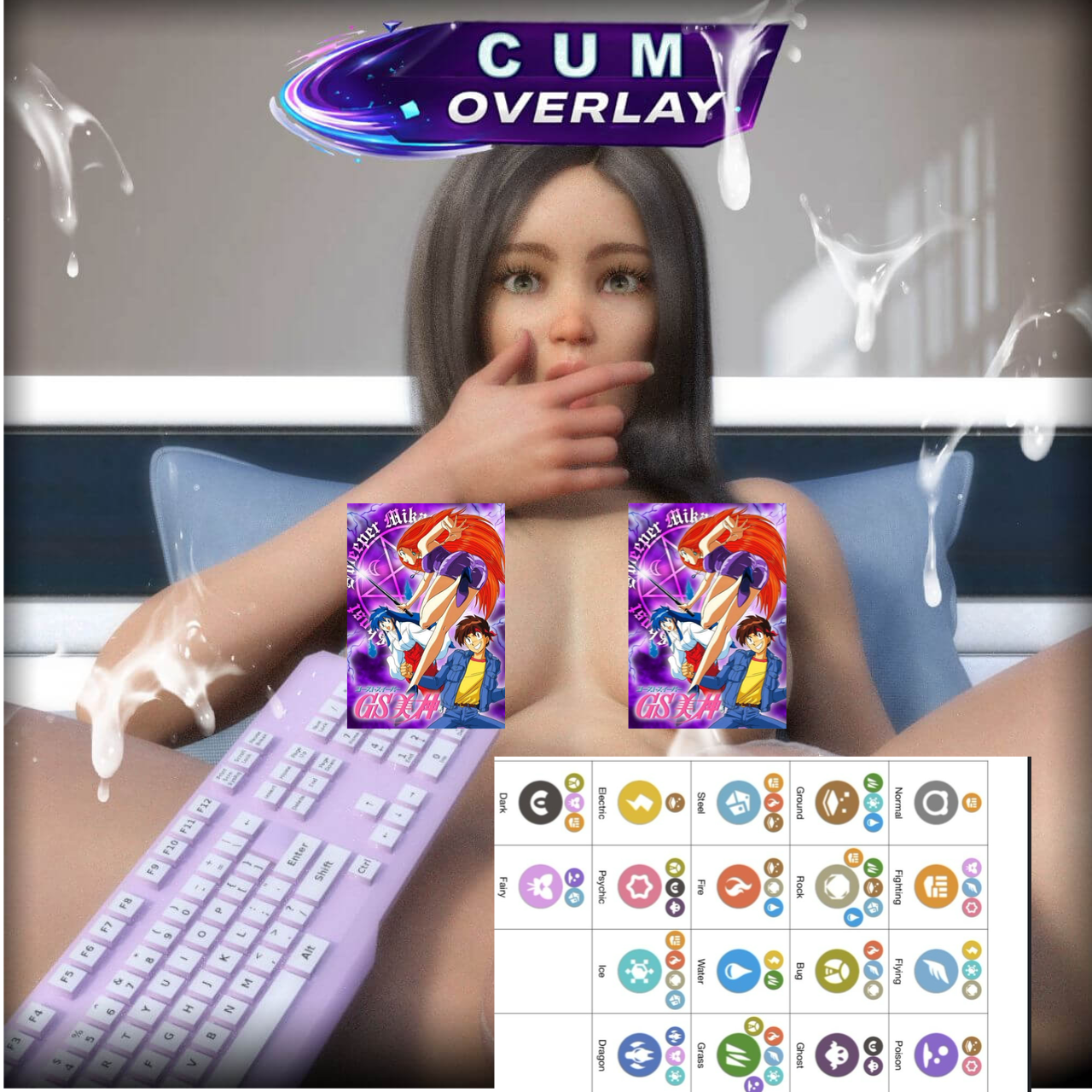
Cum Overlays Cameras Whoopsy Edition
Cum Overlays Cameras - Whoopsy Edition features:
- 8 Cum Overlay Cameras
Just load the Camera in your scene, switch the view to "Camera" view and that's it, you get yourself a nice Cum Overlay for your renders.
The Camera forces the renders to be 1920x1080, if you need to lower the 16:9 ratio, changed it in the camera parameters, under dimensions.
Depending on the lighting of your scene, if the cum overlays looks too bright or not bright enough, select the overlay then go to surfaces and change the Luminance Value (0 if it's too bright or 30 if it's not bright enough).
You can also move and rotate the overlay on the XYZ axis and scale it to your liking
Pawngame

