Home Page › Forums › Art Showcase › Jenny Render Tests
- This topic has 9 replies, 4 voices, and was last updated 7 months ago by
 InverseKinematics.
-
AuthorPosts
-
February 19, 2026 at 5:02 PM #2164356
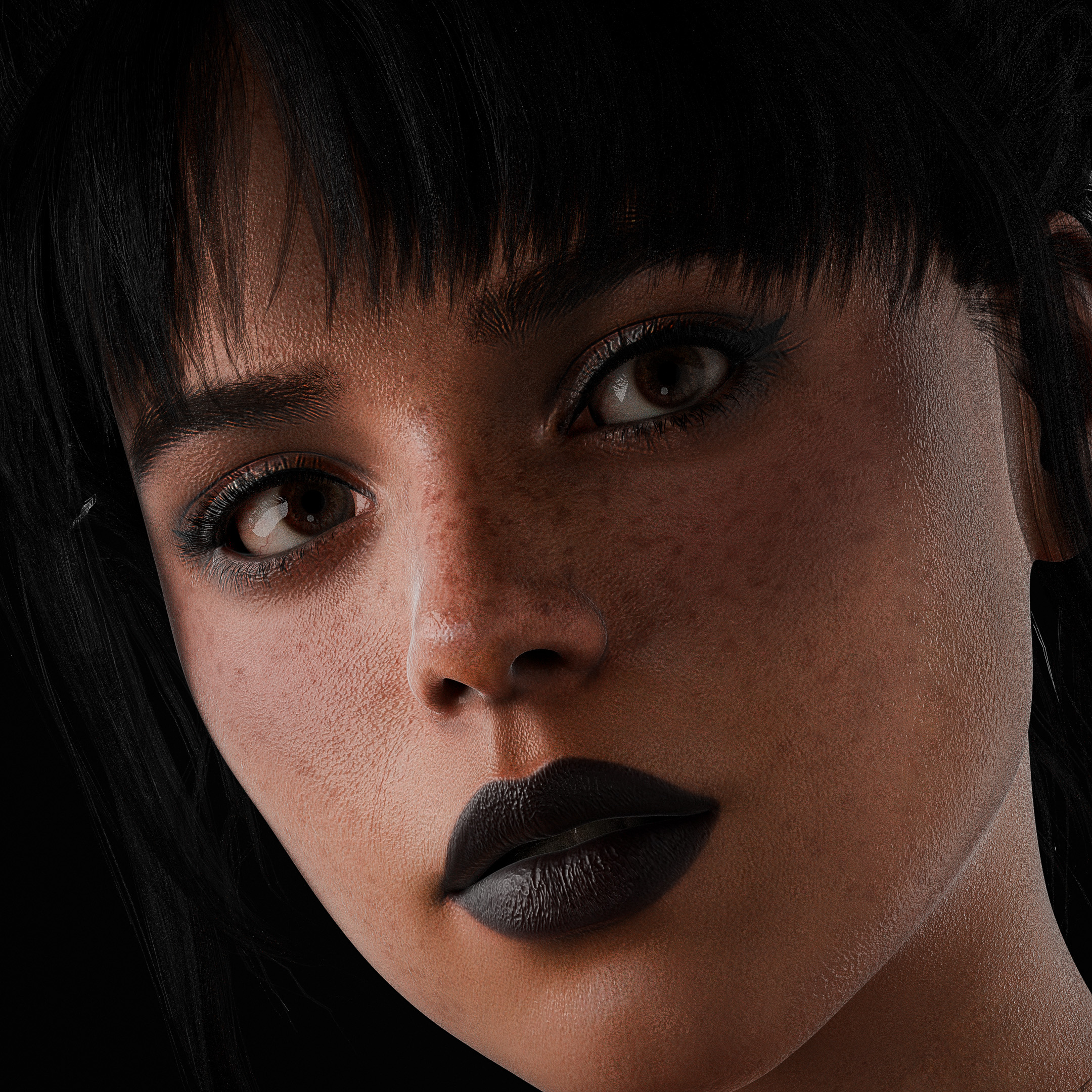
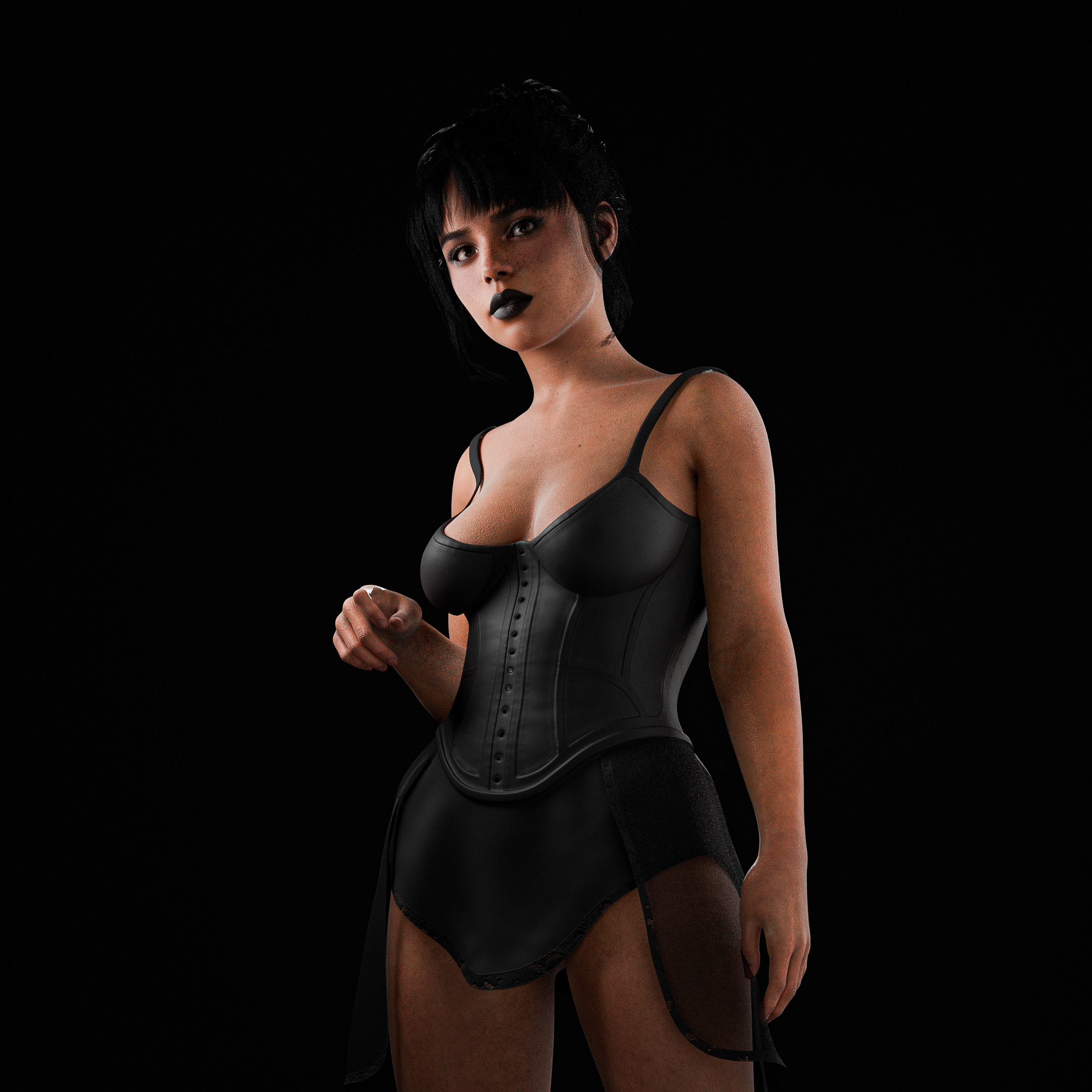
Juts playing around with the Jenny model and how detailed I can get her.
Rendered in Blender Cycles. Anyone some tips for improvements?Also if you want, show me your work! I am always interested in what people are creating:)
(Can you see the images? I tried using postimg.cc but I dont think it works. Sorry I am new to this)
 February 19, 2026 at 5:14 PM #2164362
can't see them
February 19, 2026 at 7:51 PM #2164370I can't see them either.
Use this site, no login and you can upload it easy.
February 20, 2026 at 12:51 PM #2164466Thank you Poe now it works 🙂
February 20, 2026 at 1:06 PM #2164468You're welcome. : )
Looks good man, I have no experience in blender but some of my projects keep provoking me to look into it. Do you feel like rendering in blender is better than daz?
February 20, 2026 at 1:11 PM #2164469Hey I never liked rendering in Daz because I am so used to blender so i dont know the difference but I think in blender you can get better realistic results depending how you use it
February 20, 2026 at 1:16 PM #2164471I'm likely to get into at some point and this is just another reason, thanks for sharing the pics and insight.
February 21, 2026 at 3:40 PM #2164605Your images are outstanding!
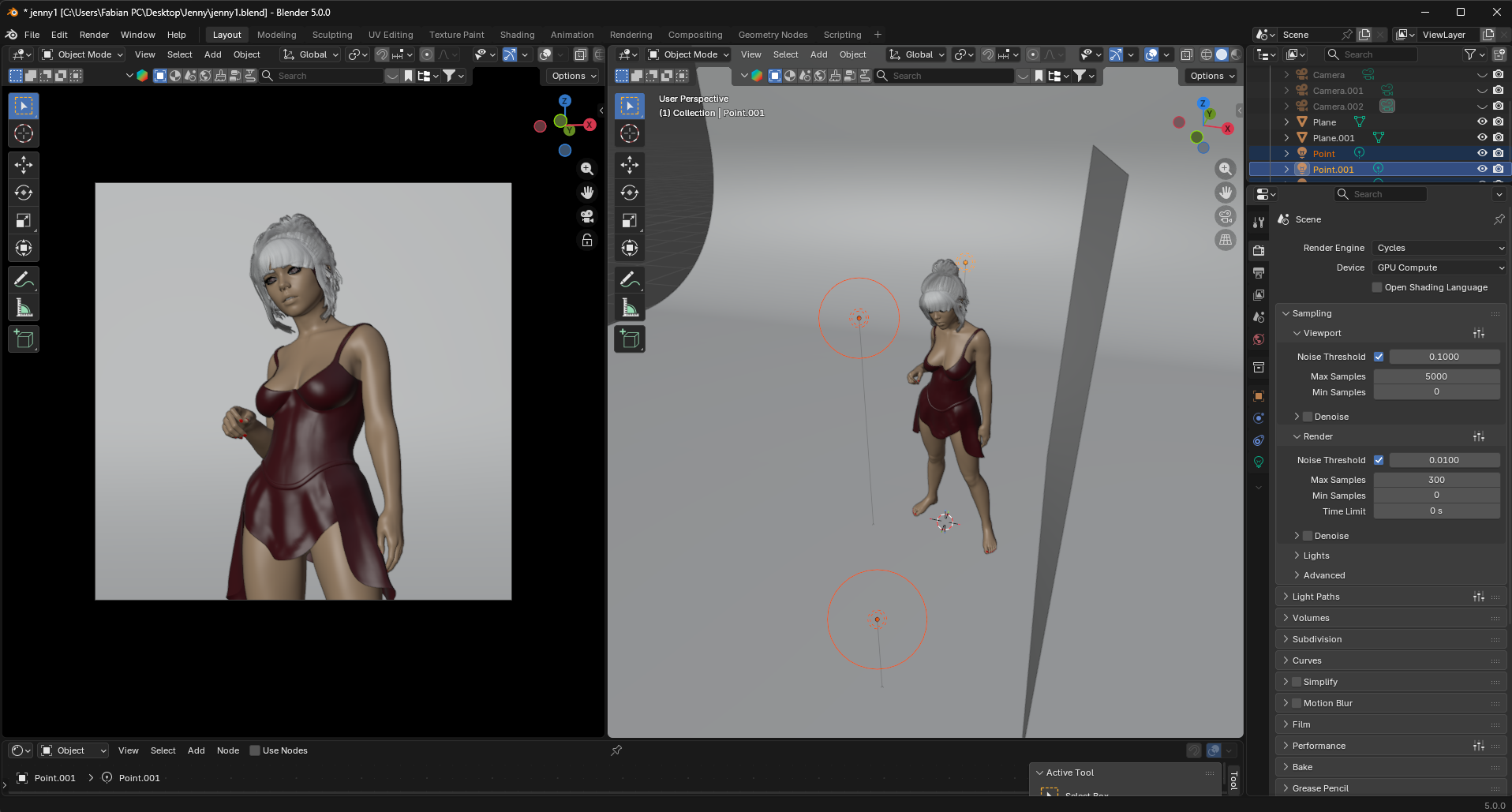
If it isn't too much trouble can you share your setup and render setting with the audience, please 🙂
February 22, 2026 at 8:36 AM #2164663Sure its a simple blender setup. I transfer the models with one click and all the textures and poses/animations already applied with the diffeomorphic addon for blender: https://diffeomorphic.blogspot.com/p/daz-importer.html
after that I simply added three light sources in a black room/background and adjusted the camera and rendered with cycles 🙂 hope this helps and if you have questions just ask
 February 27, 2026 at 4:27 PM #2165250
Thanks!
-
AuthorPosts





- You must be logged in to reply to this topic.
