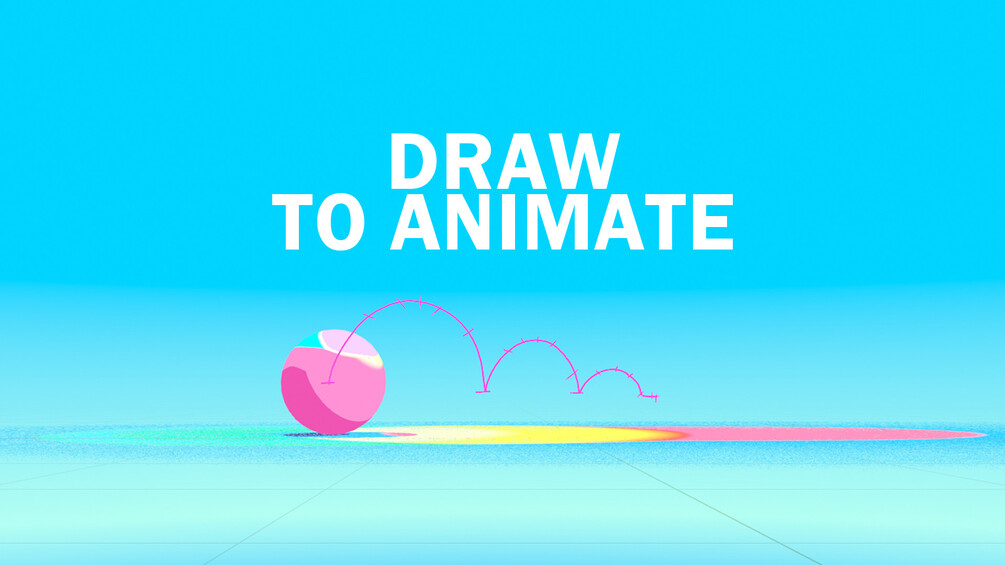
Simple animation graph (Blender Addon)
This add-on brings together the fun of 2d animation and the power of 3D ! You can simply draw the trajectory of your Object/Bone, trace the spacings on that trajectory, and press "Animate", and voilà, you generated an animation ! Now you can apply the principles of animation by placing the exact positions to create accelerations/decelerations and other effects.
This tool can help for the blocking stage or even final animations. We have so many ideas to improve it for the next versions, but it already has most of the tools that could help for your animation projects ! I hope you will enjoy it, and maybe find some use cases that we didn't even think about !
Compatibility :
Works with Blender 4.1 and above (download on blender.org)
Installation :
- Save the add-on .zip file in a folder
- Open Blender, go to Edit > Preferences > Add-ons > Install button (on top)
- Browse to the folder and select the .zip file. Activate the checkbox on " Animation: Simple Animation Graph"
- The add-on appears in the vertical menu in the right side of the viewport (Shortcut "N") under the "Animation" tab
blender, addon, animation, Dedouze

