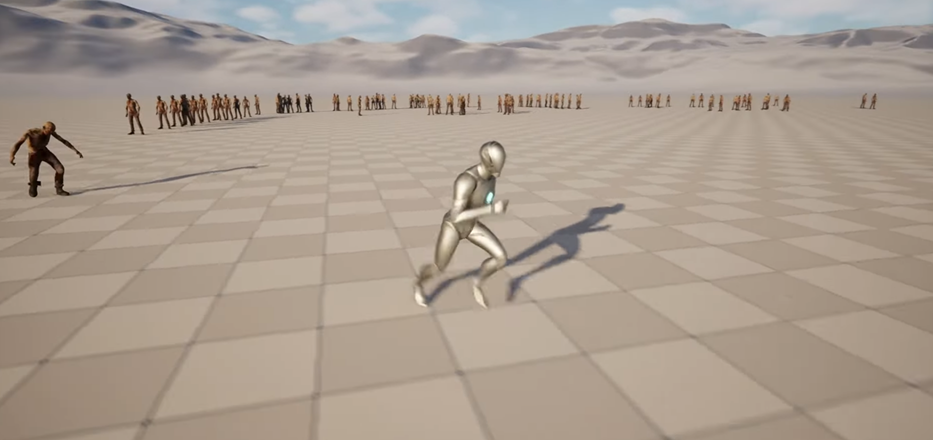
CodeLikeMe Unreal Training *Unreal Engine Niagara Zombie Horde Simulation - Part 3 - Switch Animations Idle and Running*
Codelikeme is a certified unreal trained and puts out training on doing different type of things in unreal. This one is his take on zombies. These are his training files that you can run and use it for your own stuff.
This is the 3rd part of the unreal engine Niagara zombie horde simulation. Here I am going to show you how to switch animations of the Niagara particle zombies. If the zombies are not moving, they will be in idle animation and when they start moving, they will switch to running animations. This would be pretty simple if the zombies were spawned as pawns or any skeletal mesh based actor. But here zombies are spawned through a particle system. So we have to do the animation switching within the material based animations system we have used here.
Tutorial - https://www.youtube.com/watch?v=kLRQr1j5Tvo
https://www.patreon.com/posts/122390418?collection=1323212
File Hosting: Google Drive

