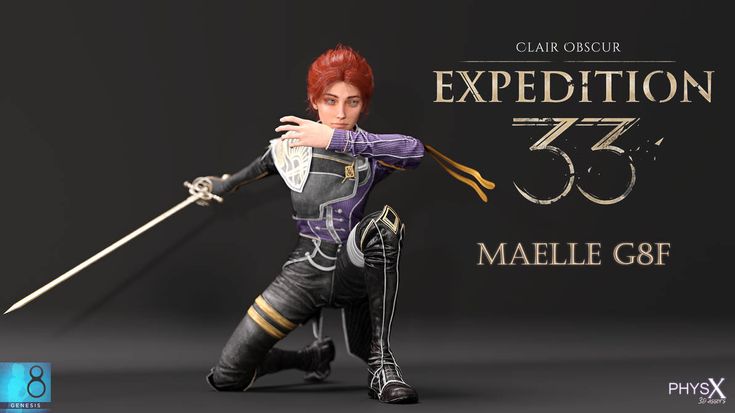
Clair Obscur Expedition 33 - Maelle G8F
Clair Obscur Expedition 33 - Maelle G8F
Renderhub: https://www.renderhub.com/physx-3d-assets/clair-obscure-expedition-33-maelle-g8f
Patreon: https://www.patreon.com/c/PhysX3DAssets
Maelle G8F Includes:
- Default Top
- Default Pants
- Default Shoes
- Default Arm Wrap
- Default Arm Sleeve
- Default Waist Wrap
- Default Eyelashes
- Default Hair
- Maellum Base (Weapon)
- Maellum Golden (Weapon)
Be sure to adjust rigging shape if you load in a G8F Base instead of using the Maelle Preset. It takes 20 seconds.
- Load G8F Base, apply Body and head morph, now you need to adjust the rig to fit the new shape.
- Top panels click tools drop down, select "Joint Editor."
- Right Click in the viewport next to the character.
- Then select edit and then from the drop down click adjust rigging to shape at the bottom.
- Hit accept.
- Done.
Clair Obscur Expedition 33's Maelle is property of Sandfall Interactive.
Character, Genesis 8 Female
https://www.renderhub.com/physx-3d-assets/clair-obscure-expedition-33-maelle-g8f
File Hosting: www.mediafire.com
(Generated from Filled Request)

