Home Page › Forums › General Chat › A blast from the past
- This topic has 20 replies, 7 voices, and was last updated 1 year, 10 months ago by
 Charley.
-
AuthorPosts
-
November 3, 2024 at 11:11 AM #2099962
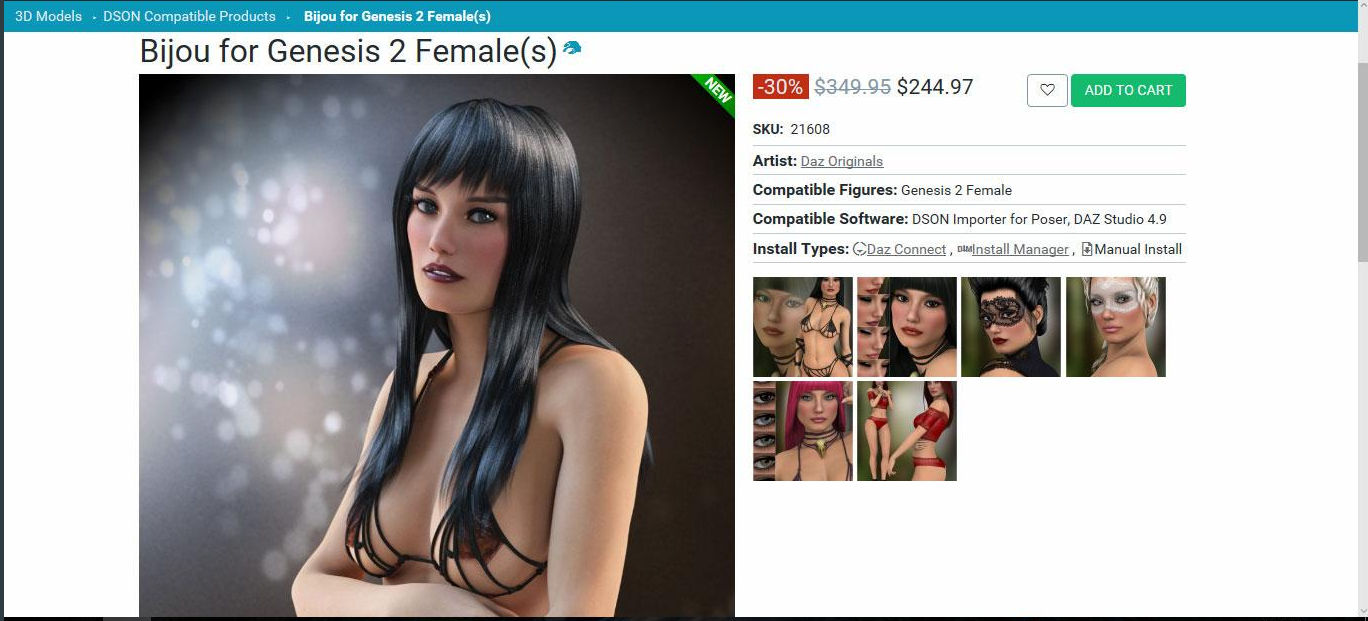
Old time Daz users should remember this character and all the ruckus she caused. Was surprised she wasn't on the site, so i uploaded her.
 November 3, 2024 at 11:40 AM #2099964
I'm an old (ancient?) user from the very beginning and seem to remember this (her?). what was the controversy, beside the outrageous price?
November 3, 2024 at 11:49 AM #2099966I'm an old (ancient?) user from the very beginning and seem to remember this (her?). what was the controversy, beside the outrageous price?
That despite not being meant to be available some people got her for free as a birthday gift, whether as an asset or a 3d print.
The usual grumbling of "inequality"...
November 3, 2024 at 12:30 PM #2099974There was a bit of an ado over the mistake in pricing; if I remember correctly, but i don't recall anything else.
November 3, 2024 at 12:58 PM #2099980There was a bit of an ado over the mistake in pricing; if I remember correctly, but i don't recall anything else.
She wasn't supposed to be affordable as she was meant for promotional purposes and needed to be in the stores catalogue for some reason. IIRC someone actually did buy her when he was flush and with all the discounts and coupons got her for around $100, give or take.
November 3, 2024 at 1:04 PM #2099982Now she's well within the affordable range after all that drama. lol
November 3, 2024 at 1:39 PM #2099994Anonymous
InactiveRank:
Hmmmm.... if somebody converted her to G8/81/9, that would be cool!
500pts to somebody that does.November 3, 2024 at 3:30 PM #2100018Now she's well within the affordable range after all that drama. lol
@reinecarola
And then some: I got her on sale for < $10.00Hmmmm.... if somebody converted her to G8/81/9, that would be cool!
@redflag
Might take you up on that: it would be good to have another character. I can see it being done by G2F => G3F => G8F. I've done G3F => G8F very successfully because I got tired of all the great G8F stuff that my girls were missing out on.November 3, 2024 at 8:23 PM #2100080i never managed to convert the michael 6 hd skin into g8m- always encountered problems... did you use a product for your conversions? @3Dmouse
November 3, 2024 at 8:43 PM #2100083November 4, 2024 at 10:33 PM #2100403Isn't she in a nursing home now?
November 4, 2024 at 11:02 PM #2100405Isn't she in a nursing home now?
Oh heck no. Even Vicky Three would only be in her mid 40's, assuming she was 20 when released.
Can you believe our beloved Vicky's have their own Wiki? (Vicky Wiki) https://en.wikipedia.org/wiki/Victoria_(3D_figure)
November 4, 2024 at 11:35 PM #2100410I tried converting Lorraine (G2F) that I brought from daz and converting it to G8 a few months ago. The skin doesn't look proper. Just use another skin for the model.
November 5, 2024 at 4:32 AM #2100459i never managed to convert the michael 6 hd skin into g8m- always encountered problems... did you use a product for your conversions?
Using M6 Bjorn on G8M is possible but it’s a multi-step process. Converting my girls from G3F to G8F was a little easier because they have the same UVs, that said I need to set UV to base female for G8f to get rid of the seams.
If your heart is set on using M6 Bjorn skin on G8M here’s how to do it:
Step 1: Getting M6 skin onto G8M
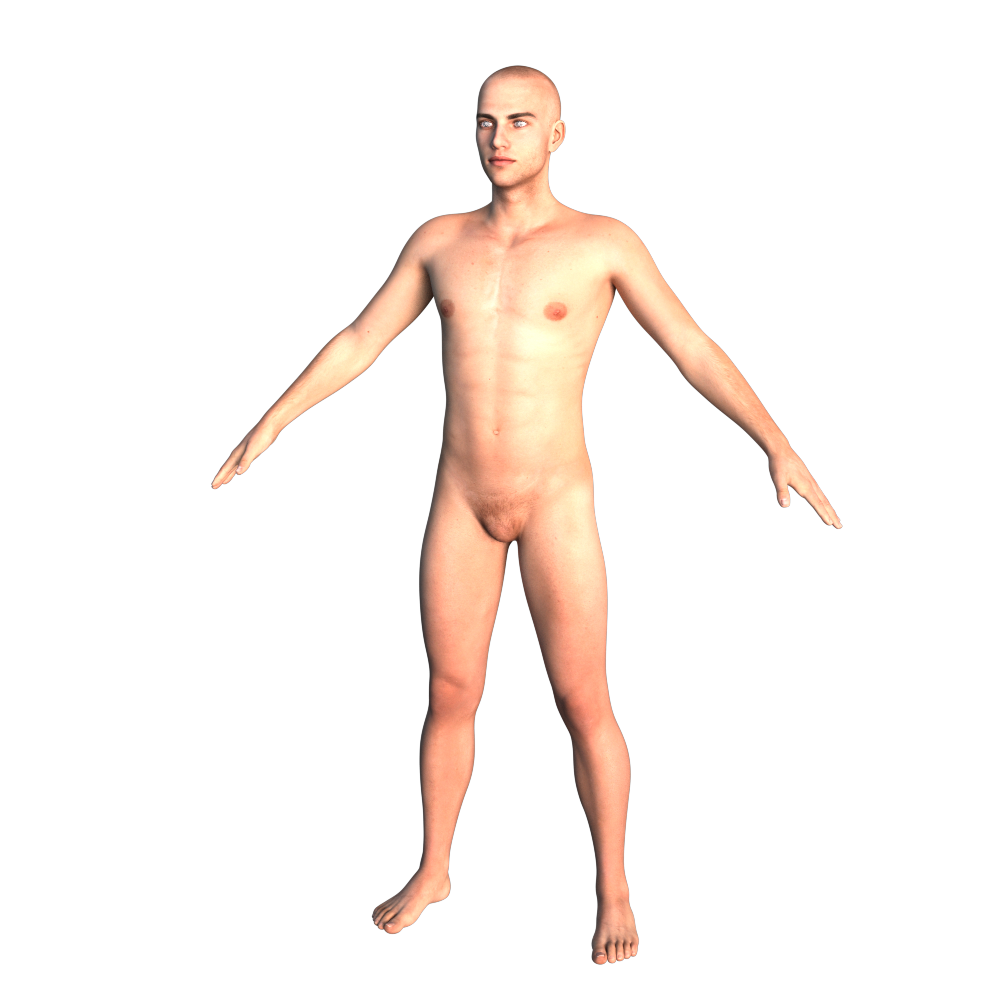
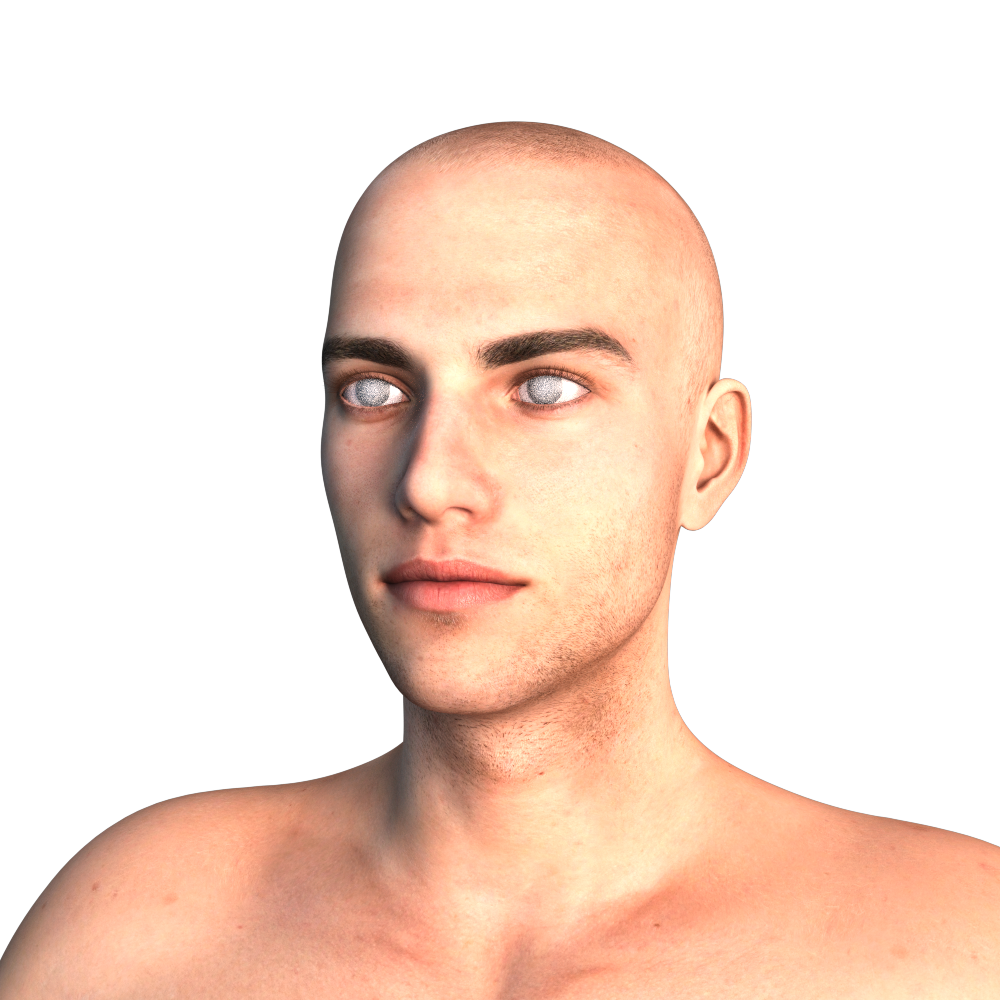
You’ll need this https://zonegfx.com/legacy-uvs-for-genesis-8-genesis-2-male-michael-5-and-michael-6-repost/After using it G8M will have M6 Bjorn skin and will look like this
 November 5, 2024 at 8:09 AM #2100477
Step 2: Using the skin for Iray
You’ll need
Iray Smart Converter and Advanced Skin Managers for Genesis 2
(I was surprised that with all the assets on TZ Anagenessis 2 wasn’t available, so I needed to submit it for posting)To get convert M6 Bjorn for Iray, load Michael HD onto a new scene.
Then use Iray Smart Converter Advanced Skin Manager for Genesis 2. For this example I used Preset 2. Apply Anagenessis 2 to further enhance. This Shader Preset is a game changer: when you have characters with different skin tones and colors this will bring all of them into a range where they can be in the same scene and no one will look like they came from somewhere else, if that makes sense. Based on personal experience I wouldn’t use it for very light/pale skins and if your aesthetic is Toons.
After having used both, save the skin as a Material Preset.
In a new scene load G8M and apply Legacy UV.
From Presets > Materials apply the skin you just saved.
The character will look like this
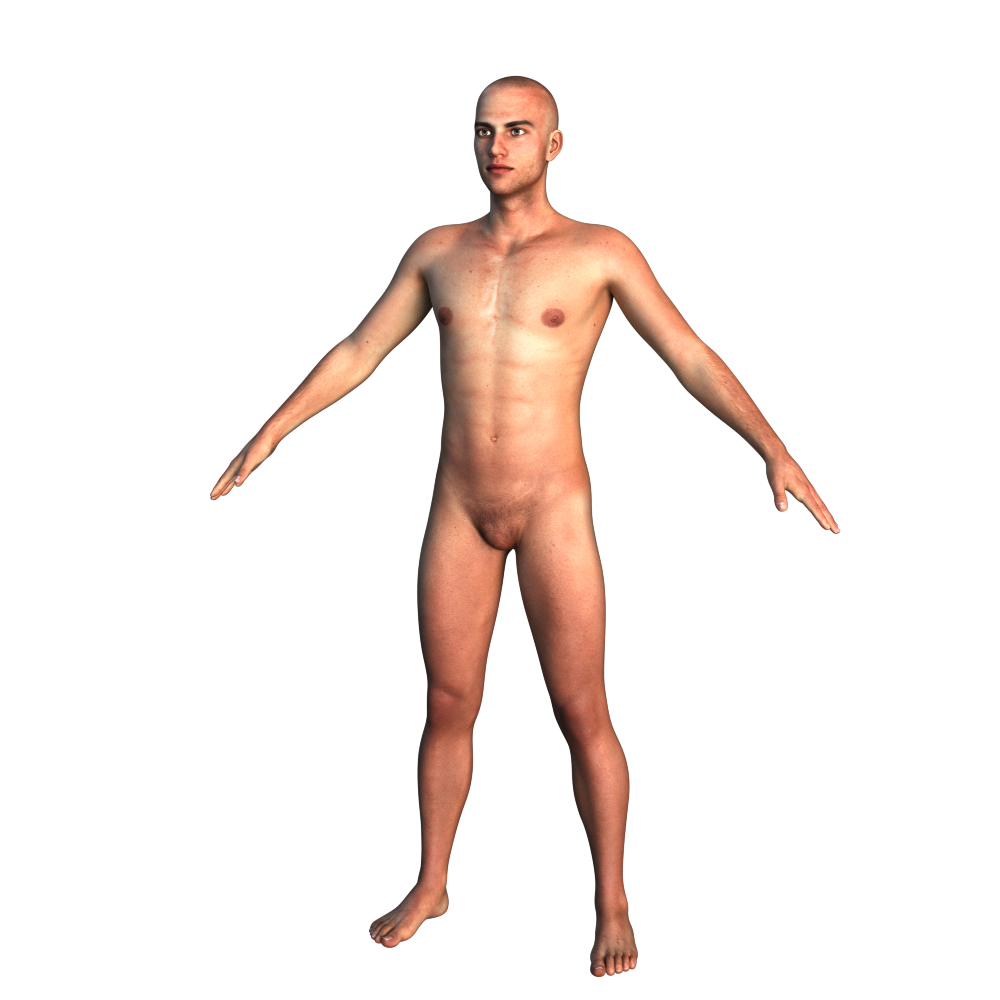
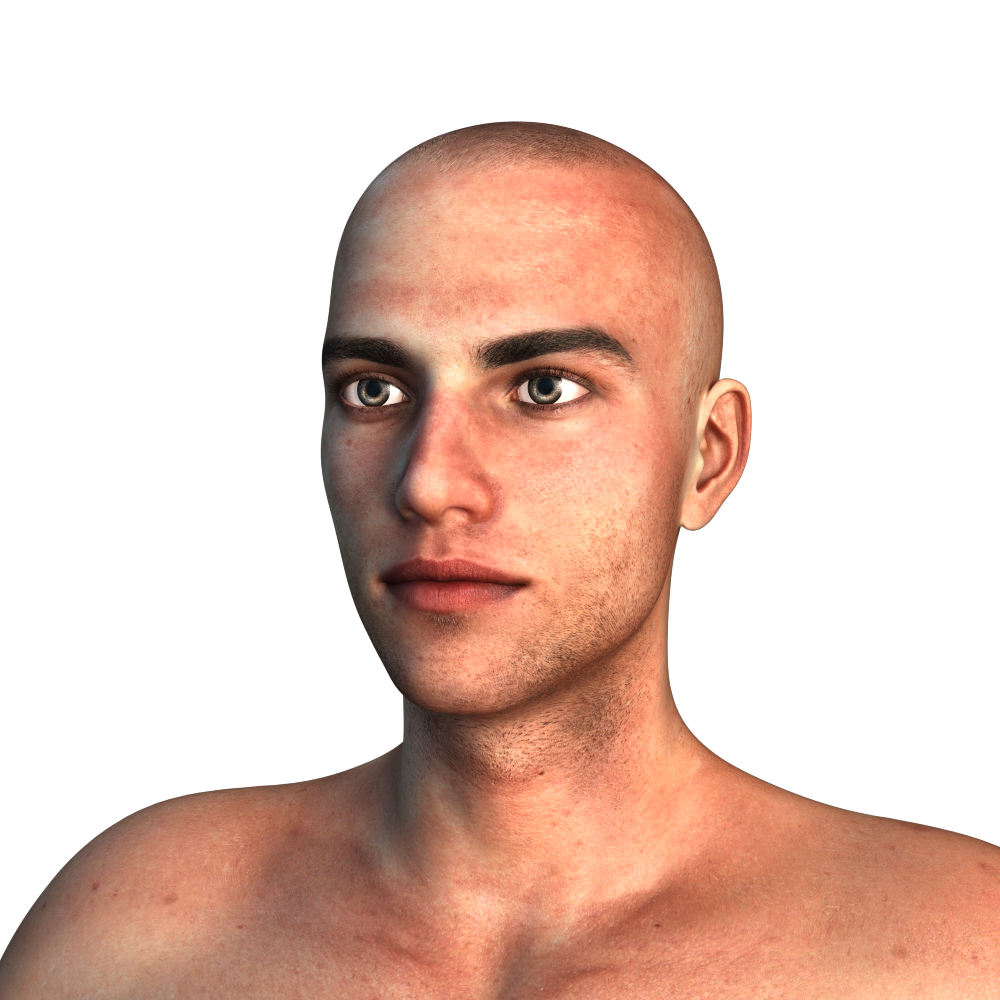
Hth!
-
AuthorPosts







- You must be logged in to reply to this topic.
