Home Page › Forums › Art Showcase › My first renders in Daz
- This topic has 6 replies, 6 voices, and was last updated 4 years, 5 months ago by
 Alapa.
-
AuthorPosts
-
May 15, 2022 at 5:30 PM #1808569
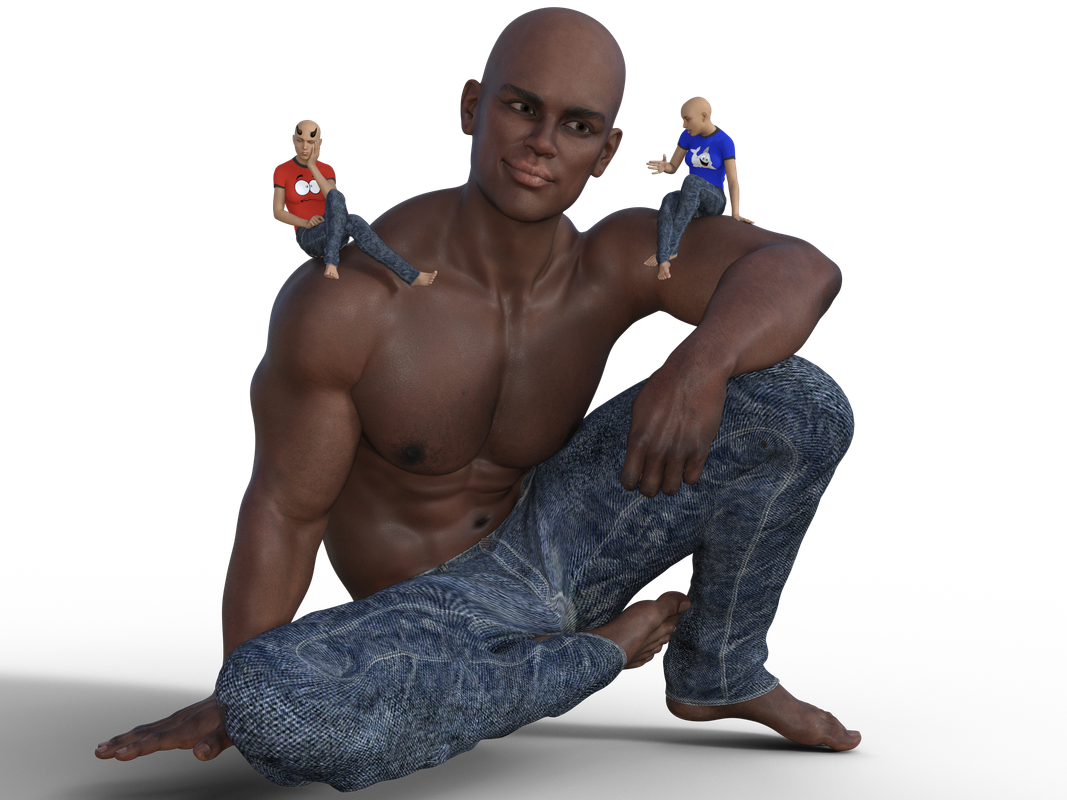
A rough draft of a fun scene I am doing now.. actually this is my first serious step in rendering.. been doing this on and off.. but nothing elaborate..
Planning to do a few in this series.. using the same characters..
Mr. John (G8M) and just plain G8F.. GreyBro's Tee and Jeans.. Anneka Demon Horns..
May 15, 2022 at 7:48 PM #1808602My only suggestion is to ground your characters better.
The main figure appears to be floating.
The good guy on the right looks more stable than the bad guy on the left.other than that I like the poses and the T-shirts
May 15, 2022 at 8:30 PM #1808619First of all, great job on your first render! You did put a good illumination on the character.
Welcome to the crazy world of 3d art!
May 15, 2022 at 11:58 PM #1808676What Adam said and hello Gladson. I usually create a new camera to zoom on the feet etc. to make sure they're in contact with the ground properly. [Create/New Camera]
The best way to zoom is switch to the new camera, using the ActivePose tool select a foot, and then click on the View Frame thingy at the upper right of your window. You can then switch back to your rendering camera.
You can use this method to zoom in on anything in the scene. It has the added advantage that it won't go dark like if you just drag the camera to the object. It took me ages to figure that one out when I first started. Cheers.May 16, 2022 at 6:28 PM #1808920Thanks for all the tips :)..
The main figure appears to be floating.
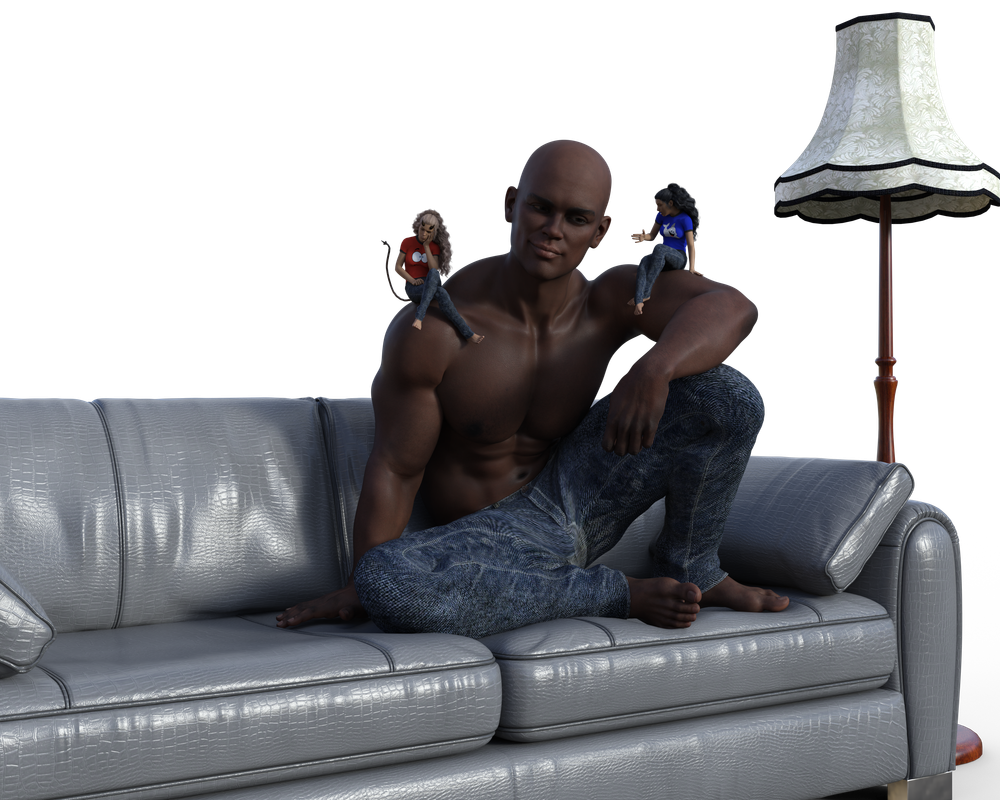
That was because that was an initial draft render and I was planning to sit hm on a sofa 🙂
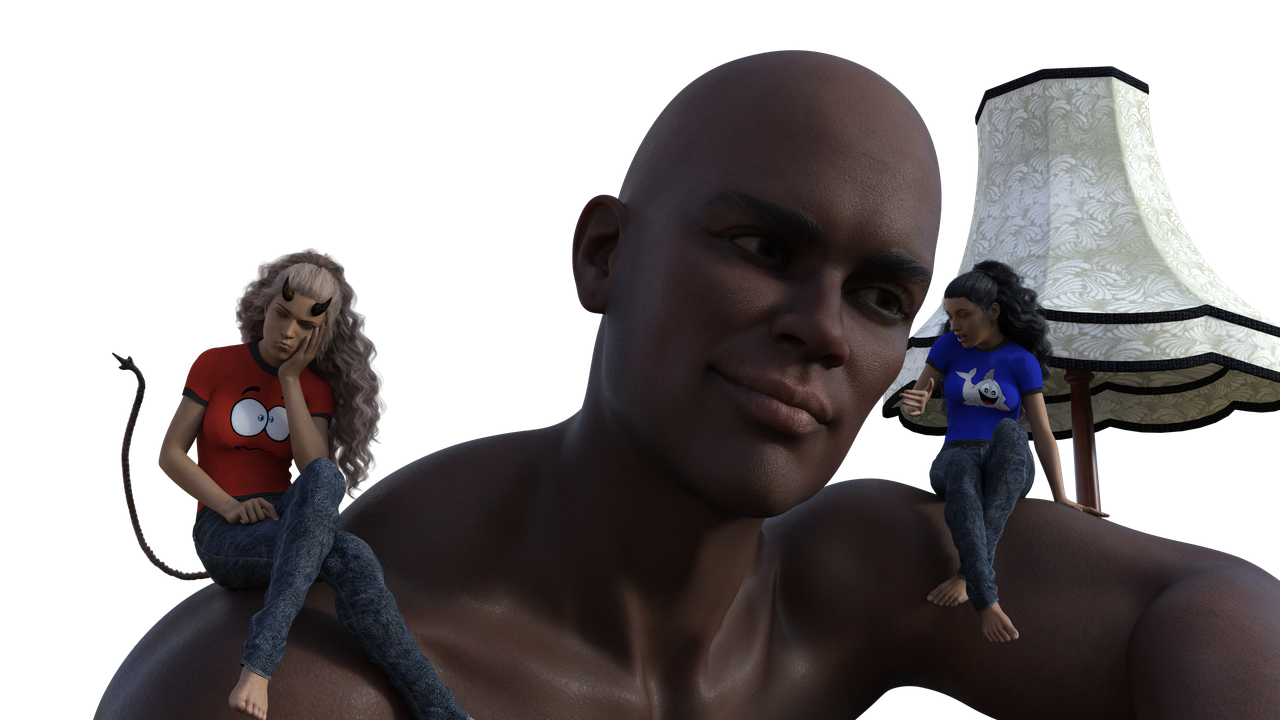
and the bad guy on the left was unstable.. fixed her now..Another render today with a bit more detail and new lighting
A closeup 🙂
 May 18, 2022 at 8:02 PM #1809607
Oh - on the sofa looks great! Excellent job for being new to Daz - much better than my first works for sure!
May 18, 2022 at 8:37 PM #1809620Well done on your first effort. Looking quite spectacular, and lighting is good too, something I found hard to get to grips with on my first few tries. You have the knack, that's for sure.
-
AuthorPosts










- You must be logged in to reply to this topic.
